Blu OS on your existing computers
Blu Mesh joins suitable machines you already own into one AI system, working as one. The fastest way to test private AI on one workflow, with nothing new to buy.
Early access is open
Blu Box is your organization’s AI, on your premises. It runs Blu OS, which can also turn the computers you already own into one private AI system. Staff get agents that read, draft and answer, without sending files to a public cloud.
Designed and built by OceanBlu in Dhaka. NDA by default.
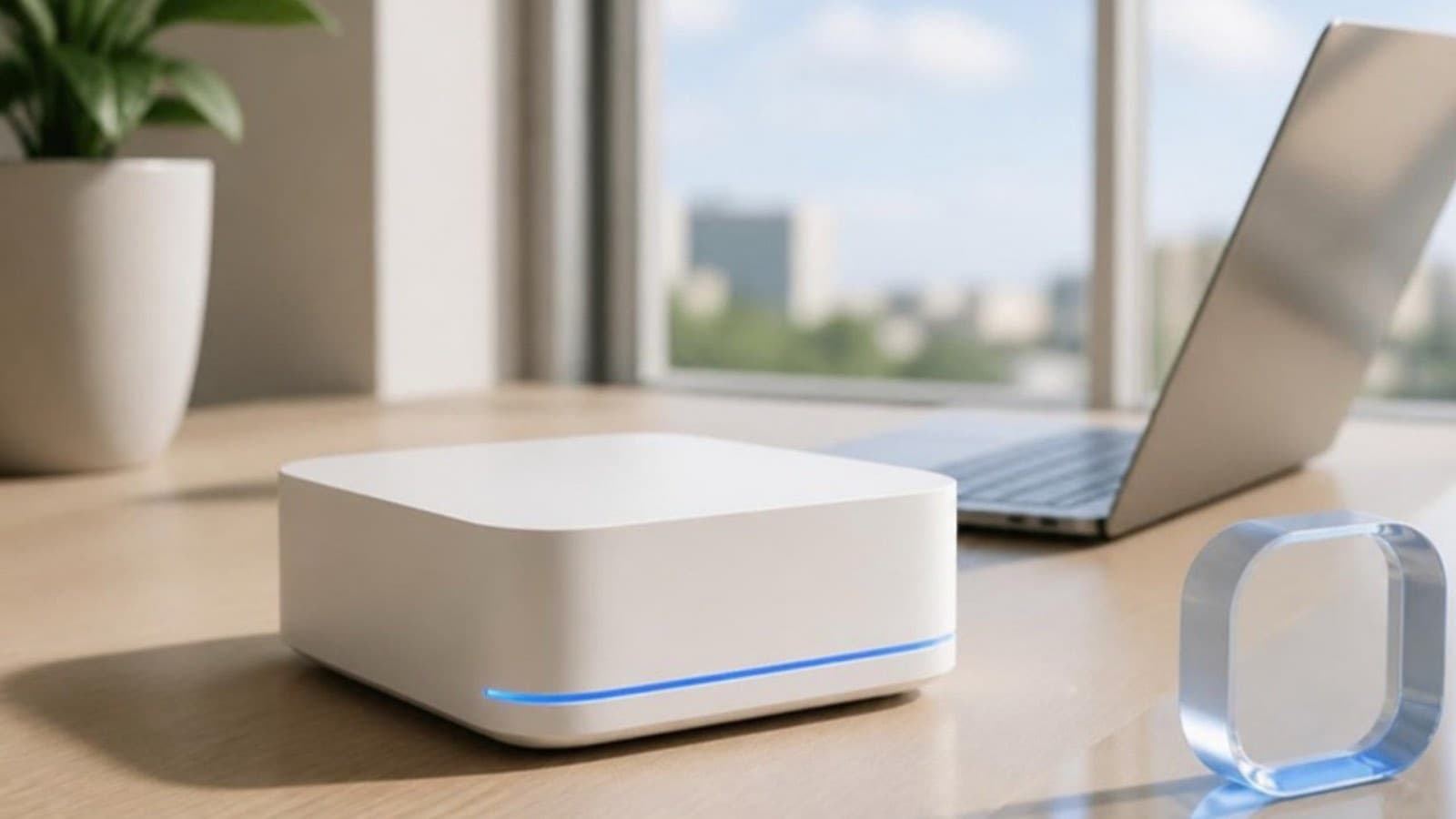
One system, two ways to run it
Blu Mesh joins suitable machines you already own into one AI system, working as one. The fastest way to test private AI on one workflow, with nothing new to buy.
Blu OS preinstalled on proven AI hardware, sized to your team: Lite, Plus or Enterprise. Plug it into your network and we do the rest.
Blu Box tiers
Three tiers: Lite, Plus and Enterprise. Enterprise is fully air-gapped, our most protected tier.
Tier 1 of 3
Small offices, shops and clinics (5 to 50 people)
Tier 2 of 3
Companies, hospitals and banks (50 to 1,000 people)
Tier 3 of 3
Government and defence
The deployment problem
We hit every one of these problems deploying our own first agents. Blu OS and Blu Box are what we wished we could buy.
Built for
Policy drafts, citizen records and internal files that must stay under your control.
Work that can't touch a foreign server.
Contracts, financials and HR files across several companies.
Student and patient records, research data and admissions.
What's in the box
New AI models come out every week. Blu OS isn’t tied to any one of them.
We swap in better models as they arrive; your agents and knowledge stay put.
Your own suitable computers, or a Blu Box sized to your team: Lite (Apple Mac mini class), Plus (Mac Studio or NVIDIA DGX Spark class) or Enterprise (rack or multi-node, air-gapped).
Decides which model handles each task, manages agent memory and permissions, and keeps agents running. You won't have to think about any of it.
Policies, contracts, manuals and past work stay on your network, so Blu and your agents answer from your documents, not from the internet.
Starting agents and sector skills for real estate, education, healthcare, legal and government workflows, adapted to your processes.
Inside Blu OS 1
The Blu Focus family: the technology inside Blu OS that makes a private AI system fast, careful and easy to run.
Gives the AI only the right context for each question, so answers are faster, sharper and cost less to run.
Joins the computers your office already owns into one AI system.
Instant company memory: your policies, files and past work, ready the moment someone asks.
Uses the smallest model that can do the job, and a bigger one only when it's needed.
Decides who, and which agent, may see what.
The night shift: idle computers run research and reports after hours.
Swap any open model in or out, like a driver.
The admin console: health, costs and the audit trail.
Blu is the assistant inside Blu OS. Staff ask it questions; it answers from your own knowledge, on your own hardware.
Blu Route picks the right model for each question behind the scenes, so staff just ask.
How your data moves
Local first. Documents, questions and answers are processed on hardware inside your network.
Optional cloud reasoning, off by default. For very heavy tasks you can allow a call to a cloud model (Anthropic’s Claude). Before anything leaves, Blu OS masks sensitive details such as money amounts, email addresses and phone numbers, then restores them in the answer on your side.
Access you control. Blu Guard decides who, and which agent, may see what. Each agent only sees the folders and systems you grant it.
Your network
Blu OS
Blu Route picks the model, Blu Guard applies permissions, Blu Focus brings the right context
Use cases
Pick one to start. We measure it with you, and you see the results first.
“What's the penalty clause in the Gulshan contract?” answered from your own files, with the source attached.
First drafts of letters, tender responses, briefs and reports in your house style.
Read incoming applications, forms or complaints; sort, summarise and send them to the right desk.
HR, IT and policy questions answered from your handbooks.
Summaries of long reports and regulations for decision-makers.
Have a different workflow in mind?
Tell us about itHow a deployment runs
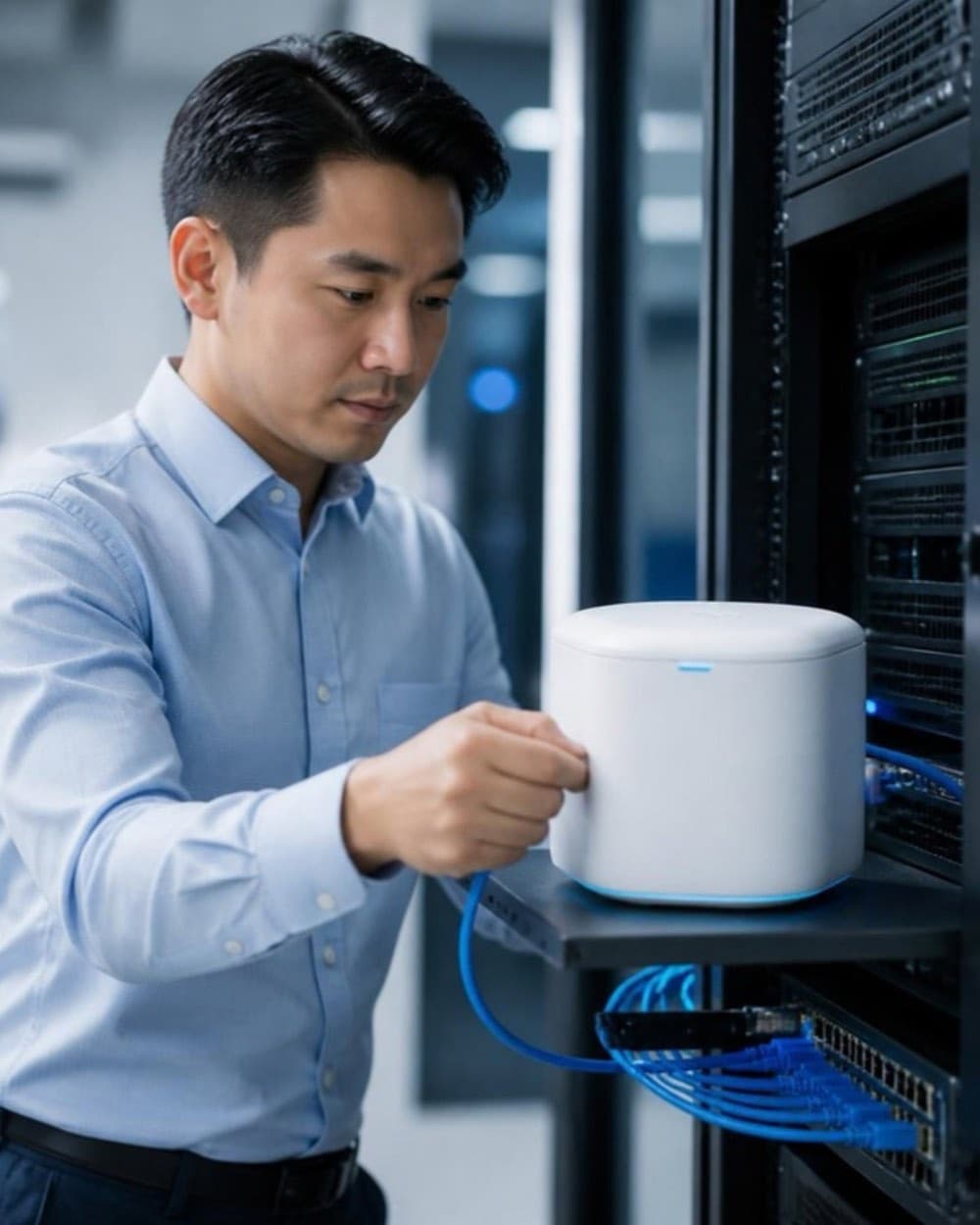
We install Blu OS on your network, on your machines or a Blu Box, and connect it to the folders and systems you choose. No cloud account to set up.
We load your documents, set up one or two agents for your highest-value workflow, and your team tests them.
Agents run daily. We monitor them, update models and handle support. Coming with Blu OS: Blu Console, a console for health, costs and the audit trail, and Blu Link, a support channel that never carries your data.
Early access
Tell us about your team and your first workflow. We’ll size it with you.
 Concept
Who's building it
MD Al Asif Sikhon
Founder & CEO
Brig. Gen. Kazi Mohammad Kaiser Hossain, ndu, psc (retd)
Chairman
Hasibul Alam Siam
Head of AI & Automation
Join the early-access programme. We'll set up a confidential briefing, under NDA if you need one.